ChatGPT Images 2.5 Is Here: The Biggest Upgrade for OpenAI's AI Image Generator
OpenAI introduces ChatGPT Images 2.5, a groundbreaking update for image generation. Discover new features like 'Sketch', 50% faster loading times, and precise multi-turn editing.
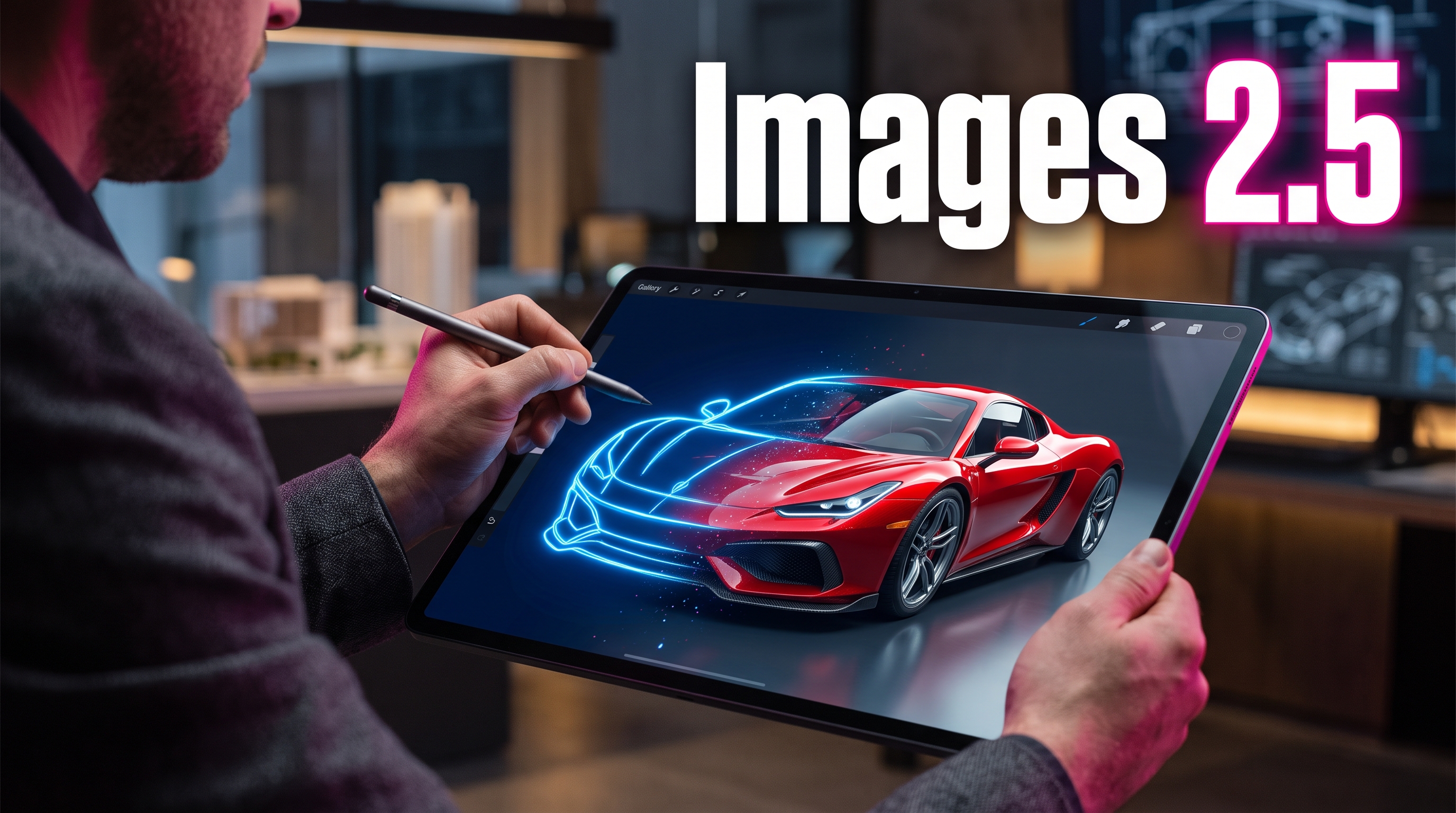
The world of AI-powered image generation continues to spin at a rapid pace. After OpenAI retired the DALL-E model in April in favor of the new "Images" infrastructure, the next major milestone has arrived: OpenAI has officially unveiled ChatGPT Images 2.5. This update not only promises sharper details but, above all, revolutionizes the way creators interact with and edit generated images.
With over three billion images generated weekly via ChatGPT and its associated APIs, the platform has grown into a global giant for visual content. Version 2.5 addresses the exact pain points of previous generators—namely, facial consistency across multiple editing steps and speed.
For content creators, designers, and marketers, this upgrade translates into a massive boost in productivity. Anyone looking to create professional assets now gains a whole new level of control over the creative process with these new tools.
Key Takeaways
* 50% less latency: Compared to its predecessor, Images 2.0, generation speed has been cut in half.
* The new "Sketch" feature: Users can draw sketches directly within ChatGPT to serve as a visual reference for the AI.
* Consistent multi-turn editing: When making changes in the chat, unaltered image areas, faces, and textures remain stable.
Two API versions for developers: The fast, cost-effective Flare model and the high-precision Sunburst* model for complex details are available immediately.
* 3 billion images: According to OpenAI, this massive volume of visual content is already being processed weekly through their image models.
The Key New Features in ChatGPT Images 2.5
With version 2.5, OpenAI goes far beyond merely refining pixels. The focus is on innovative interaction possibilities that fundamentally simplify the workflow for creators.
The "Sketch" Feature: From Scribble to Masterpiece
One of the most exciting innovations is the Sketch tool. Instead of painstakingly describing where a specific object should be placed using a text prompt, users can now draw a sketch directly inside the ChatGPT interface. The AI uses this drawing as a structural blueprint, transforming the simple sketch into a high-quality, photorealistic image. Whether you are designing logos, packaging concepts, or storyboard sketches—visual input saves valuable iteration time.
Perfect Consistency During Editing (Multi-Turn Editing)
A well-known issue with AI image generators: you ask the AI to change the background of an image, and suddenly the main subject's face changes or an important detail is lost. ChatGPT Images 2.5 solves this with significantly enhanced visual intelligence. The model keeps the subject precisely in focus over repeated editing steps and applies changes only to the specifically targeted areas of the image.
Lightning-Fast Performance
Nobody likes to wait. OpenAI has drastically optimized image rendering times. Images are now generated up to 50% faster than under version 2.0. This enables a smooth, interactive, real-time workflow—almost like chatting with a real graphic designer.
Developer Options: Flare vs. Sunburst
For technical integration via the API, OpenAI is now offering two specialized versions designed to meet different requirements:
- GPT-Image-2.5 Flare: Optimized for speed and efficiency. Perfectly suited for social media creators, prototyping, and high-volume daily generation tasks.
- GPT-Image-2.5 Sunburst: The specialist for maximum precision. This model requires slightly more processing time but delivers extremely fine textures, complex infographics, and flawless text rendering.
If you are looking for more flexible workflows without any coding effort, or if you want to try alternative visual AI models, you can find versatile AI image generators perfectly tailored to the needs of modern content creators on the AIQORA marketplace at /images.
Conclusion: A Milestone for Creators (As of September 2026)
With the release of ChatGPT Images 2.5 (as of September 2026), OpenAI cements its position at the forefront of AI creative tools. The days when AI images became completely unusable after the slightest modification are a thing of the past. Features like sketch referencing and significantly reduced loading times make visual creation more intuitive than ever.
Whether you are designing professional flyers, creating templates for product photos, or simply experimenting with new visual concepts—this new update gives you complete control.
FAQ
What is the "Sketch" feature in ChatGPT Images 2.5?
It is a new feature that allows you to sketch directly inside the ChatGPT input field. Your drawing serves as a precise guide for the AI to generate the final image, making the placement of objects extremely easy.
Why do my images no longer change so drastically when editing?
Thanks to improved multi-turn editing, the 2.5 model retains image details and faces much better in its "memory". Changes are applied in isolation without causing unwanted mutations to the rest of the image.
How much faster is the new model compared to Images 2.0?
OpenAI has reduced image generation latency by up to 50%, meaning your images and edits are delivered twice as fast.