AIQORA Reference Mode Tutorial: Consistent Documentaries & Videos at the Click of a Button
Discover step by step how the new AIQORA Reference Mode revolutionizes AI video production with consistent characters, locations, and objects.
Introduction
Until now, creators of AI-generated long-form content—such as YouTube documentaries, TikTok dramas, or narrative videos—faced a massive hurdle: visual inconsistency. Shifting faces, constantly mutating sets, and mismatched props turned longer narrative projects into a tedious patchwork, often demanding days or even weeks of manual post-production.
With the launch of the new Reference Mode within the AIQORA AI platform, this problem is officially a thing of the past. What was once reserved for specialized editing and directing teams can now be transformed from a simple idea or audio file directly into a broadcast-ready documentary via a single-click workflow.
In this tutorial, using a real-world case study—the gripping origin story of Nintendo and its roots in the Japanese underworld—we’ll show you how to get the most out of Reference Mode, guarantee visual continuity, and massively scale your productions.
Key Takeaways
* Full Visual Consistency: Reference Mode ensures that characters, key locations, and recurring objects remain identical across all segments and story beats.
* Deep Audio Analysis via Gemini: The engine analyzes the script and automatically extracts narrative beats as well as recurring story elements.
* Cutting-Edge Model Pipeline: A seamless interplay of Text-to-Speech (ElevenLabs v3), optimized prompt distribution (MiniMax H3 Prompt Guide), and high-end video generation.
* Zero-Cut to Render: Only a few clicks separate the initial text prompt from the finished master video (“Create Final Video”).
* As of September 2026, AIQORA sets a new benchmark for autonomous video agents in the creator space.
What Is the AIQORA Reference Mode?
Reference Mode is a core pillar of our proprietary Cinema Agent on the AIQORA platform. While conventional AI video tools treat every prompt in isolation, Reference Mode firmly anchors the narrative layer to a global visual memory.
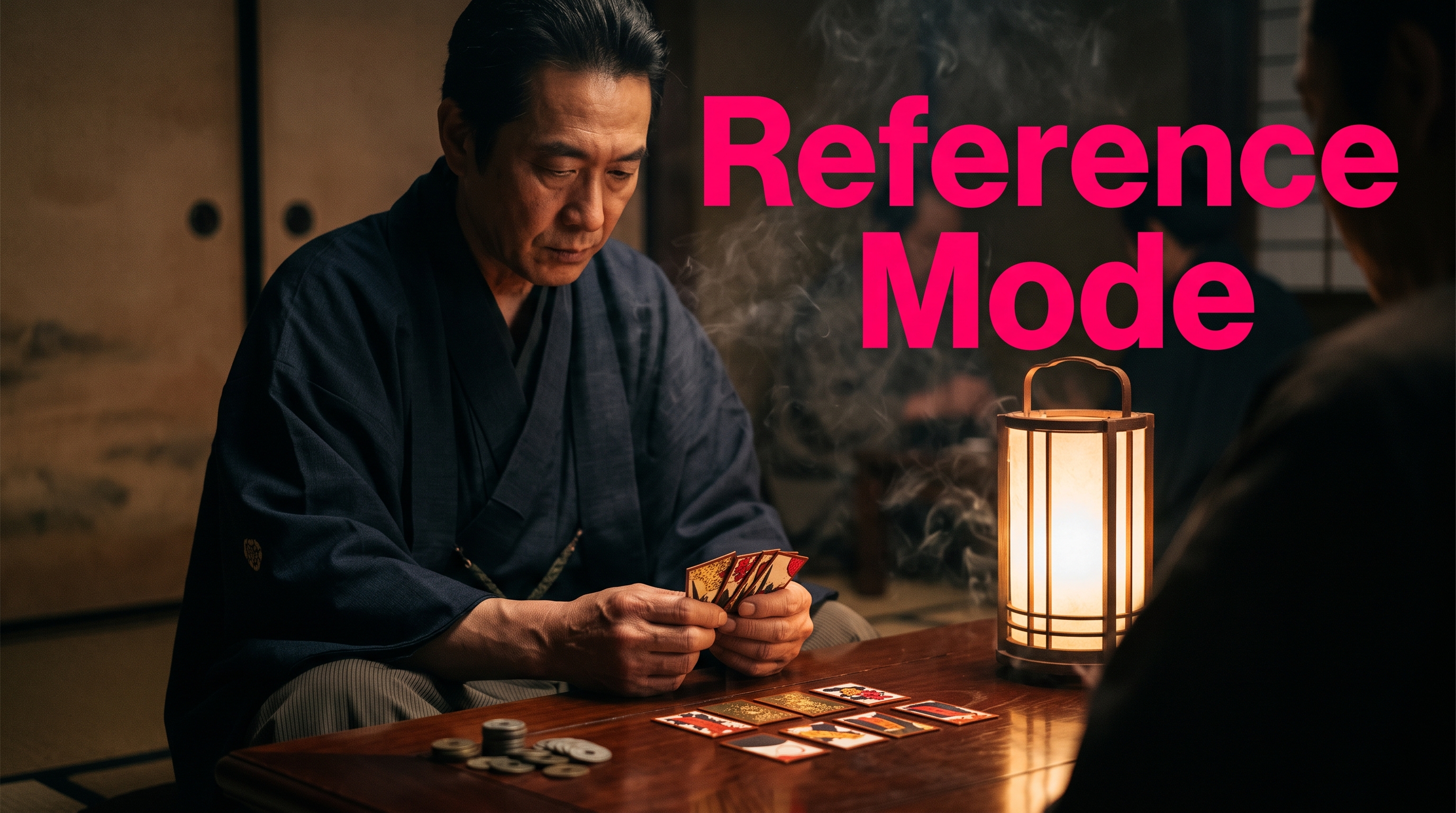
The system autonomously identifies people, recurring spaces (such as a smoke-filled Kyoto backroom in the 1890s), and key objects (like sealed Hanafuda card decks or a lacquered table), locking them in as visual references. During subsequent video generation, these assets are precisely routed into the corresponding prompt segments.
Step-by-Step Tutorial: Creating Your First Documentary
In the following walkthrough, we’ll guide you through producing a professional mini-documentary in the style of hit channels like Simplicissimus or Fern.
Step 1: Generate a Script from a Single Prompt
Everything starts with a simple thought or a prepared text. Simply enter your core idea into the system, for example:
“Tell the story of how the Japanese underworld laid the foundation for Nintendo 130 years ago, and why the company spent decades trying to conceal this history.”
The text engine instantly generates a structured, compelling script complete with a dramatic arc and narrative sections. You can adopt the text directly or fine-tune it to your liking.
Step 2: Voiceover with ElevenLabs v3
Once the script is set, choose the right voice talent. Through the direct interface to cutting-edge Text-to-Speech engines (such as ElevenLabs v3), pick a voice with the desired tonality—from investigative and dark to factual and documentary-style.
Clicking Generate computes the audio track. If you want to integrate music or complementary soundscapes, you can run our /music-generator in parallel to create custom background tracks.
Step 3: Define the Visual Narrative & Story Beats
In the next step, the agent analyzes the audio track and breaks down the script into logical visual segments (Story Beats):
* Visual Narrative: Steers the thematic visual flow. It prevents monotone visuals (e.g., endless server rooms for tech topics) and ensures dynamic, dramaturgically synchronized scenes.
* Aspect Ratio: Choose between 16:9 (for YouTube & TV) or 9:16 (for TikTok, Reels & Shorts).
* Casting & Characters: Decide whether to assign predefined avatars or have the characters generated dynamically from the script context.
Step 4: Define the Global Visual Style
To guarantee a unified cinematic look, the Global Visual Style is configured. It defines:
* The virtual camera type and lens characteristics (e.g., anamorphic lenses, grainy 35mm film look),
* Color grading (e.g., muted Meiji-era tones),
* Lighting mood and texture.
Tip: Generate a style test image at this point via the AIQORA /images section. This test image serves purely to verify your color and lighting aesthetics and won't necessarily appear in the final video.
Step 5: Activate Reference Mode & Extract Assets
Now comes the centerpiece of the production:
- Toggle the Reference Mode switch on.
- The system analyzes the audio material and automatically suggests recurring core elements:
* Locations: The 1889 Kyoto backroom, a modern Christmas living room in Ohio, etc.
* Characters: The card dealer, Yakuza figures, contemporary families.
* Objects: The lacquered gaming table, fresh Hanafuda card decks, modern handheld consoles.
- Suggest Custom References: You can add further items at any time (e.g., specifically search for the table). The AI locates the relevant moments in the audio script.
- Click Generate All Assets to prepare all visual references in one go.
Step 6: Production & MiniMax H3 Prompt Guide
Switch over to the production module. This is where automated prompt engineering happens:
* The AI distributes all prompts segment by segment and optimizes them using the MiniMax H3 Prompt Guide.
* Segments with critical story anchors are automatically assigned the appropriate reference IDs.
* Pure B-roll or metaphorical sequences remain reference-free, saving computing time and tokens.
Give the prompts a quick review and click Generate All Videos in /video mode.
Step 7: Final One-Click Render
Once all video clips are rendered, click Create Final Video. AIQORA automatically merges video slices, audio tracks, cuts, and transitions, rendering out the final master cut.
The result is a cinema-grade documentary with flawless visual continuity—produced in just a few minutes instead of several weeks of production work.
Use Cases: What You Can Create with the Cinema Agent
Thanks to the flexible combination of story beats and reference tracking, this workflow is ideal for a wide variety of content formats:
* YouTube Documentaries: Deep-dive investigations into corporate crime, tech developments, or historical events.
* Short-Form Dramas for TikTok & Shorts: Dramatic mini-series in 9:16 format featuring a recurring cast of characters across multiple episodes.
* Music Videos & Story Visuals: Synchronize music from our /music-generator with narrative visual worlds.
* Corporate Storytelling: Case studies and brand stories where products and corporate headquarters must remain instantly recognizable.
FAQ
What sets Reference Mode apart from conventional AI video generators?
Traditional generators compute each scene in isolation. As a result, faces, clothing, or room architecture shift from cut to cut. Reference Mode extracts recurring entities (people, places, objects) beforehand and compels the downstream video model to preserve these exact attributes throughout the entire video.
Do I need a finished script, or does the workflow also work with raw ideas?
You can use either: If you only enter a short prompt (like "The origins of Nintendo"), AIQORA takes care of the entire research and scriptwriting process. Alternatively, you can upload a finished audio recording—the tool will analyze the file and seamlessly build the visual concept on top of it.
Can I upload my own image references after the fact?
Yes. You can either use AI-generated assets, reuse project references already in your library, or upload your own photos and product shots as references to ensure real-world products are depicted accurately.